
How To Recognize and Protect Yourself From Phishing
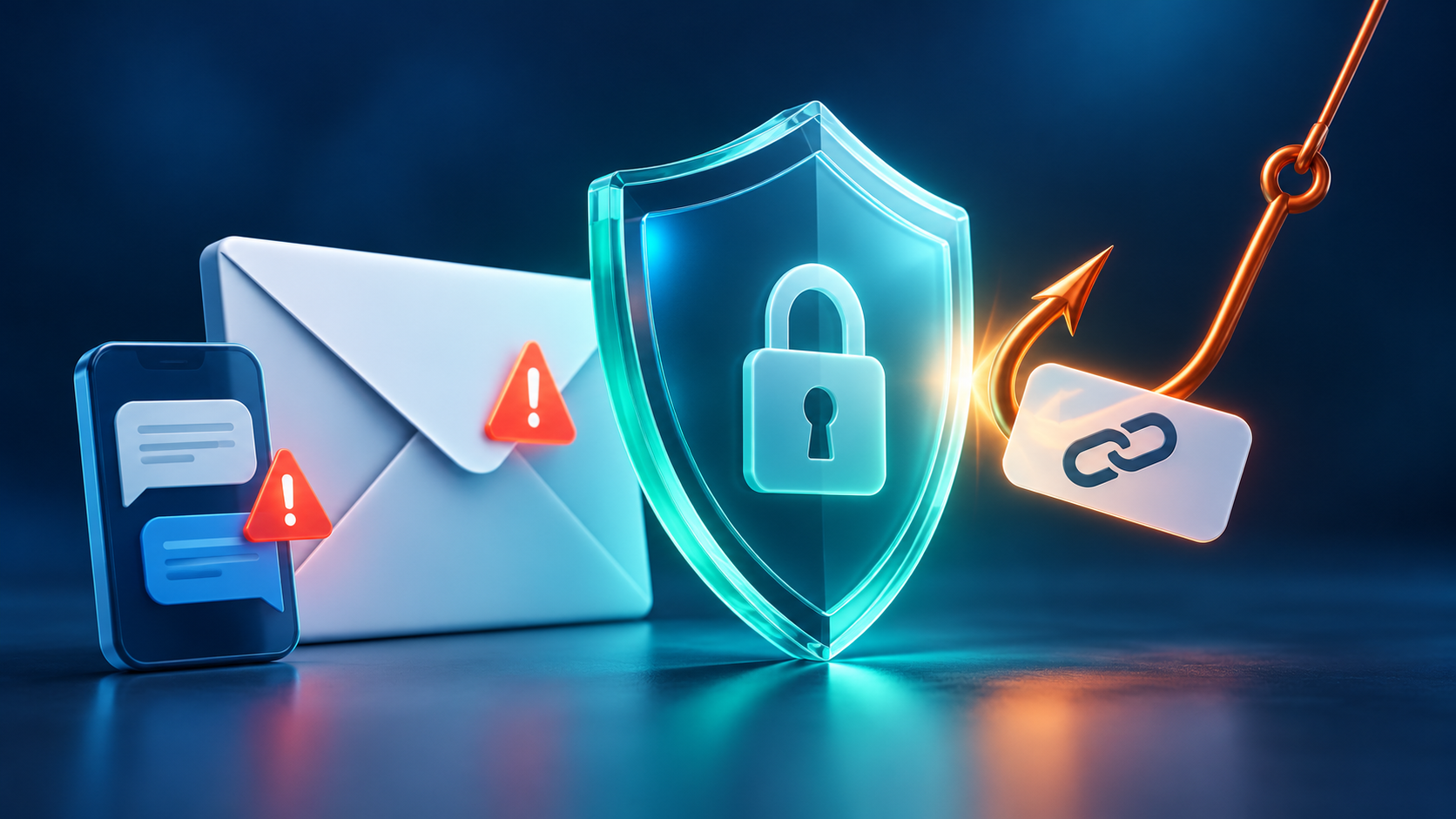
Scammers use email or text messages to try to steal your passwords, account numbers, or Social Security numbers. If they get that information, they could get access to your email, bank, or other accounts. Or they could sell your information to other scammers. Scammers launch thousands of phishing attacks like these every day — and they’re often successful.
How To Recognize Phishing
Scammers often update their tactics to keep up with the latest news or trends, but here are some common tactics used in phishing emails or text messages:
Phishing emails and text messages often tell a story to trick you into clicking on a link or opening an attachment. You might get an unexpected email or text message that looks like it’s from a company you know or trust, like a bank or a credit card or utility company. Or maybe it’s from an online payment website or app. The message could be from a scammer, who might:
- say they’ve noticed some suspicious activity or log-in attempts — they haven’t
- claim there’s a problem with your account or your payment information — there isn’t
- say you need to confirm some personal or financial information — you don’t
- include an invoice you don’t recognize — it’s fake
- want you to click on a link to make a payment — but the link has malware
- say you’re eligible to register for a government refund — it’s a scam
- offer a coupon for free stuff — it’s not real
A Real-World Example
Imagine receiving an email that claims to be from a streaming service. It says your account is on hold because of a billing problem and asks you to update your payment details. At first glance, it may look real, but it could be a scam. Scammers hope you won’t notice the warning signs.
Here are warning signs that a message may be a scam, even if it uses a familiar company’s name or logo:
- The email has a generic greeting.
- The email says your account is on hold because of a billing problem.
- The email invites you to click on a link to update your payment details.
While real companies might communicate with you by email, legitimate companies won’t email or text with a link to update your payment information. Phishing emails can often have real consequences for people who give scammers their information, including identity theft. And they might harm the reputation of the companies they’re spoofing.
How To Protect Yourself From Phishing Attacks
Your email spam filters might keep many phishing emails out of your inbox. But scammers are always trying to outsmart spam filters, so extra layers of protection can help. Here are four ways to protect yourself from phishing attacks.
Four Ways To Protect Yourself From Phishing
- Protect your computer by using security software. Set the software to update automatically so it will deal with any new security threats.
- Protect your cell phone by setting software to update automatically. These updates could give you critical protection against security threats.
- Protect your accounts by using multi-factor authentication. Some accounts offer extra security by requiring two or more credentials to log in to your account. This is called multi-factor authentication. The extra credentials you need to log in to your account fall into three categories:
- something you know — like a passcode, a PIN, or the answer to a security question.
- something you have — like a one-time verification passcode you get by text, email, or from an authenticator app; or a security key.
- something you are — like a scan of your fingerprint, your retina, or your face.
- Protect your data by backing it up. Back up the data on your computer to an external hard drive or in the cloud. Back up the data on your phone, too.
What To Do if You Suspect a Phishing Attack
If you get an email or a text message that asks you to click on a link or open an attachment, answer this question:
Do I have an account with the company or know the person who contacted me?
If the answer is “No,” it could be a phishing scam. Go back and review the advice in How to recognize phishing and look for signs of a phishing scam. If you see them, report the message and then delete it.
If the answer is “Yes,” contact the company using a phone number or website you know is real — not the information in the email. Attachments and links might install harmful malware.
What To Do if You Responded to a Phishing Email
If you think a scammer has your information, like your Social Security, credit card, or bank account number, go to IdentityTheft.gov. There you’ll see the specific steps to take based on the information that you lost.
If you think you clicked on a link or opened an attachment that downloaded harmful software, update your computer’s security software. Then run a scan and remove anything it identifies as a problem.